Blog
Developer Insights
Human-written articles from our engineers on the tools, patterns, and practices shaping modern software.
This Dot AI Field Notes - Anatomy of a Coding Harness
A coding agent is not magic, it’s a loop. We call this a harness. The harness is a deterministic layer of code that wraps an LLM....
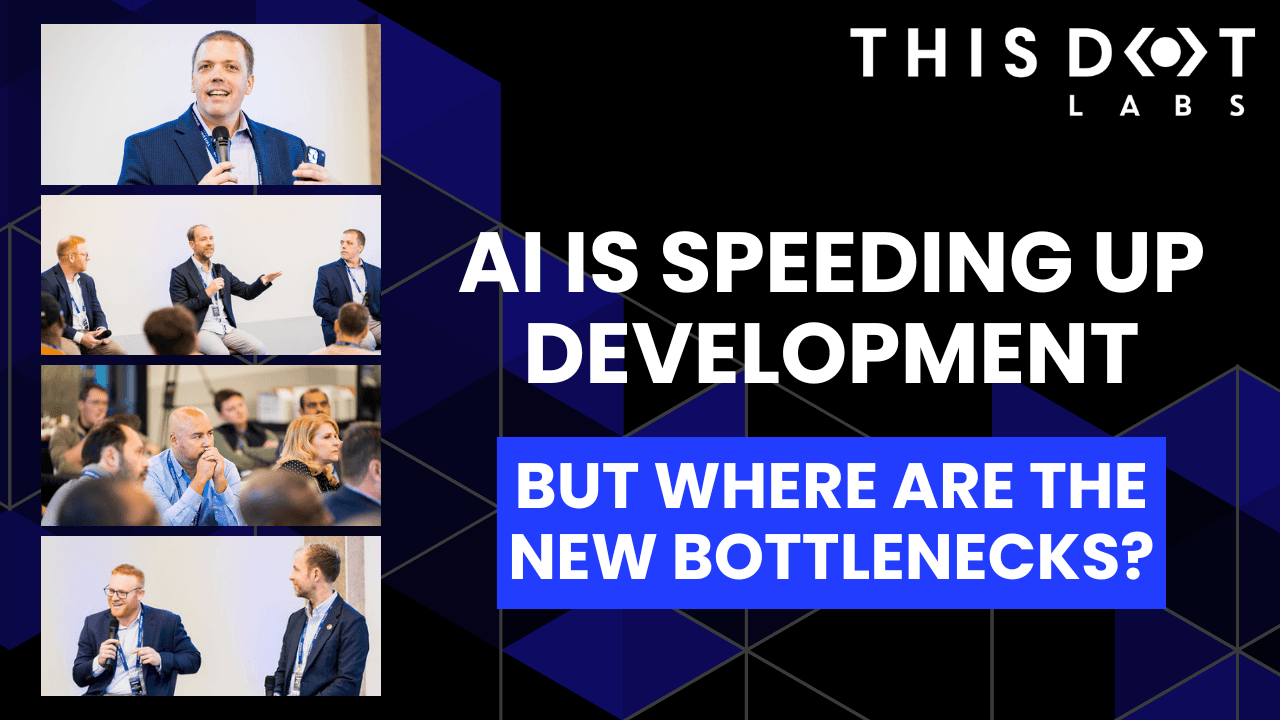
AI Is Speeding Up Development. But Where Are the New Bottlenecks?
AI is accelerating development, but it’s also exposing everything else that’s broken. At the Leadership Exchange, leaders unpacked how AI is reshaping the SDLC and what organizations need to address beyond just coding to make adoption successful. Moderated by Rob Ocel, VP of Innovation at This Dot Labs, the panel featured Itai Gerchikov at Anthropic and Harald Kirschner, Principal Product Manager for GitHub Copilot & VS Code at Microsoft. Panelists explored the current state of AI adoption across the software development lifecycle and shared practical insights into how organizations can effectively integrate AI tools. Panelists discussed how companies are investing in AI tools, skills, and managed competency programs to support developers. While AI can dramatically accelerate coding, the panel emphasized that adoption affects every stage of the SDLC. Bottlenecks now appear in testing, DevOps, product delivery, and marketing as AI speeds up development. Organizations that address technical debt and process inefficiencies are better positioned to extract maximum value from AI tools. The conversation also focused on opportunities and risks. Security, governance, and workforce education were highlighted as critical factors for adoption. Panelists stressed that AI initiatives should be aligned with broader business goals rather than pursued in isolation. They noted that companies experimenting at the cutting edge need to consider organizational readiness just as carefully as technical capabilities. Panelists also explored how leading organizations are navigating the early stages of adoption. Those ahead of the curve are using structured experimentation, prioritizing process improvements, and continuously evaluating outcomes to refine their AI strategies. Learning from these early adopters allows other organizations to anticipate emerging trends and prepare for the next phase of AI adoption rather than simply replicating past approaches. Key Takeaways Investing in AI skills and tools should be done thoughtfully, with clear alignment to business objectives. Examining the full SDLC helps identify bottlenecks that AI may accelerate or expose. Organizations can gain a competitive advantage by learning from early adopters and planning for where AI adoption is heading. AI adoption is not just a technical initiative; it is a strategic transformation that requires attention to people, process, and technology. Organizations that balance innovation with operational discipline will be best positioned to capture the full potential of AI across the software lifecycle. Seeing similar challenges in your own SDLC? Let’s compare notes. Join us at an upcoming Leadership Exchange or reach out to continue the conversation. Tracy can be reached at tlee@thisdot.co....
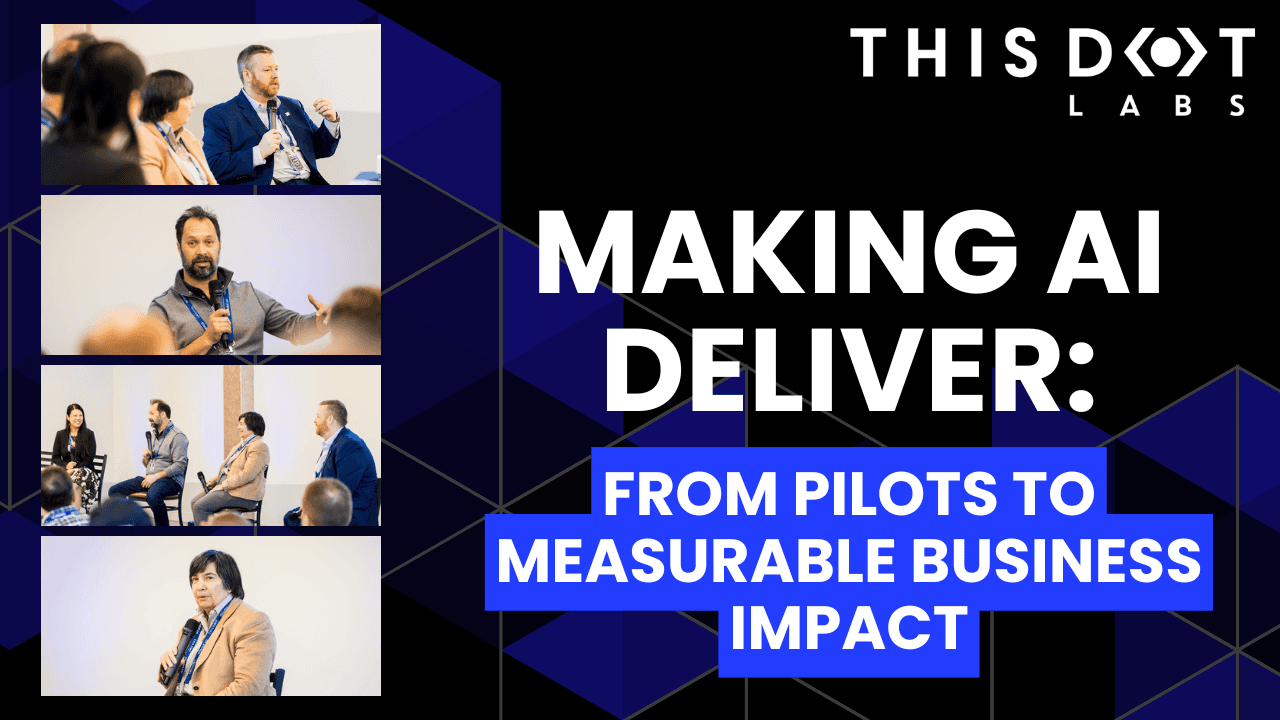
Making AI Deliver: From Pilots to Measurable Business Impact
A lot of organizations have experimented with AI, but far fewer are seeing real business results. At the Leadership Exchange, this panel focused on what it actually takes to move beyond experimentation and turn AI into measurable ROI. Over the past few years, many organizations have experimented with AI, but the challenge today is translating experimentation into measurable business value. Moderated by Tracy Lee, CEO at This Dot Labs, panelists featured Dorren Schmitt, Vice President IT Strategy & Innovation at Allen Media Group, Greg Geodakyan, CTO at Client Command, and Elliott Fouts, CAIO & CTO at This Dot Labs. Panelists discussed how companies are moving from early AI experiments to initiatives that deliver real results. They began by examining how experimentation has evolved over the past year. While many organizations did not fully utilize AI experimentation budgets in 2025, 2026 is showing a shift toward more intentional investment. Structured budgets and clearly defined frameworks are enabling companies to explore AI strategically and identify initiatives with high potential impact. The conversation then turned to alignment and ROI. Panelists highlighted the importance of connecting AI projects to corporate strategy and leadership priorities. Ensuring that AI initiatives translate into operational efficiency, productivity gains, and measurable business impact is essential. Companies that successfully align AI efforts with organizational goals are better equipped to demonstrate tangible outcomes from their investments. Moving from pilots and proofs of concept to production was another major focus. Governance, prioritization, and workflow integration were cited as essential for scaling AI initiatives. One panelist shared that out of nine proofs of concept, eight successfully launched, resulting in improvements in quality and operational efficiency. Panelists also explored the future of AI within organizations, including the potential for agentic workflows and reduced human in the loop processes. New capabilities are emerging that extend beyond coding tasks, reshaping how teams collaborate and how work is structured across departments. Key Takeaways Structured experimentation and defined budgets allow organizations to explore AI strategically and safely. Alignment with business priorities is essential for translating AI capabilities into measurable outcomes. Governance and workflow integration are critical to moving AI initiatives from pilot stages to production deployment. Successfully leveraging AI requires a balance between experimentation, strategic alignment, and operational discipline. Organizations that approach AI as a structured, measurable initiative can capture meaningful results and unlock new opportunities for innovation. Curious how your organization can move from AI experimentation to real impact? Let’s talk. Reach out to continue the conversation or join us at an upcoming Leadership Exchange. Tracy can be reached at tlee@thisdot.co....
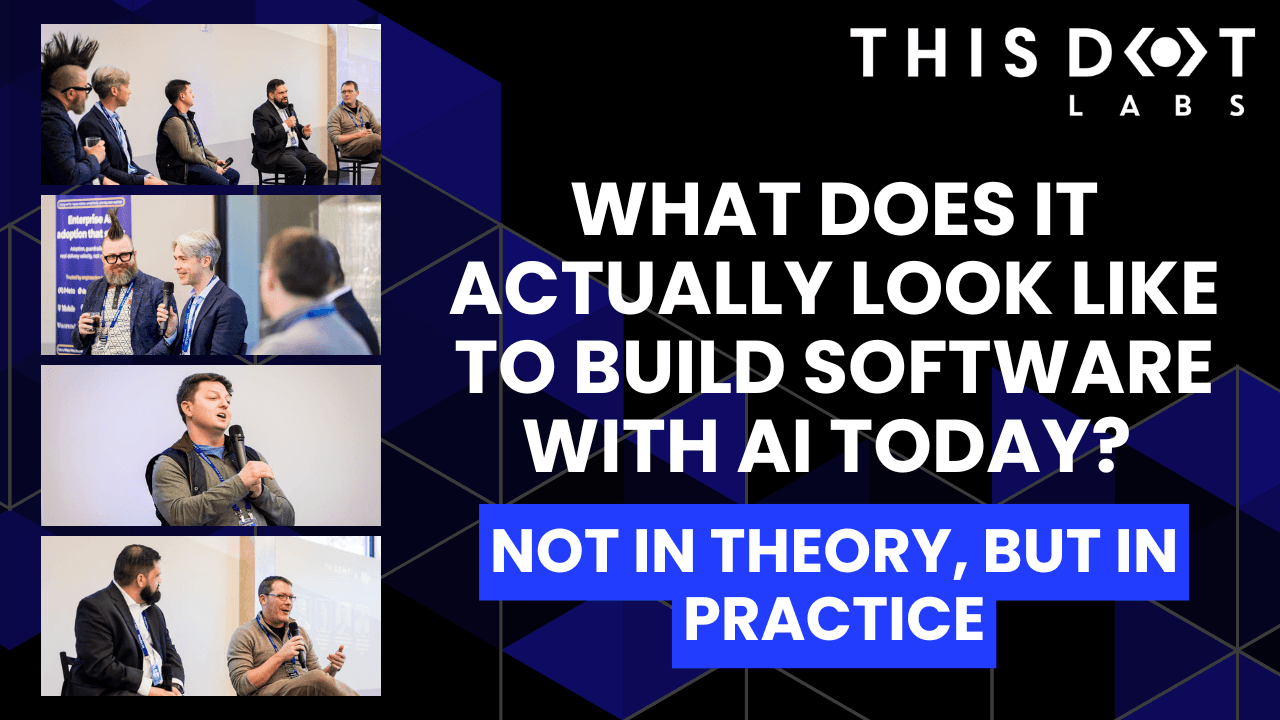
What does it actually look like to build software with AI today? Not in theory, but in practice.
What does it actually look like to build software with AI today? Not in theory, but in practice. At the Leadership Exchange, this was the question at the center of the Developer Panel, where leaders from across the industry unpacked what’s really changing inside engineering teams and what organizations need to do right now to keep up. The Developer Panel at the Leadership Exchange explored the cutting edge of AI in software engineering and examined what organizations should focus on today to prepare for the future. Moderated by Jeff Cross, Co Founder & CEO at Nx, the panel featured Victor Savkin, Cofounder & CTO at Nx, Alex Sover, Vice President of Engineering at OpenAP, Brent Zucker, Senior Director of Engineering at Visa, and Jonathan Fontanez, AI Engineering Lead at This Dot Labs. Panelists shared insights into how AI is transforming the software development lifecycle and how teams can adopt tools effectively while preparing for organizational change. Panelists discussed emerging workflows, including CI in the loop, agentic healing, and context engineering. They examined how validation, code reviews, and PRDs are evolving alongside AI capabilities and how teams are integrating external sources such as production traces to improve quality and reliability. The discussion also covered what the next generation of agentic tools might look like and how these capabilities will shape engineering practices in the near future. Adoption of AI comes with challenges. Teams often rely on plugins or extensions without foundational understanding, and individual contributors may fear displacement. Panelists emphasized that education, governance, and skill building are essential for teams to manage AI agents effectively while maintaining quality. They also highlighted the need to standardize workflows and ensure organizational alignment to fully leverage AI capabilities. The conversation extended beyond technical challenges to organizational implications. Panelists discussed how teams can avoid issues like Conway’s Law, manage distributed teams effectively, and evolve engineering practices alongside AI adoption. Leadership and management strategies play a crucial role in ensuring that AI integration delivers meaningful outcomes while maintaining efficiency and alignment with business objectives. Key Takeaways AI workflows require both technical and organizational preparation. Education, governance, and skill development are essential for successful implementation. Forward looking teams are rethinking validation, CI pipelines, and context management to fully leverage agentic AI. The discussion highlighted that adopting AI at the cutting edge is not just about new tools it is about rethinking processes, workflows, and organizational culture. Companies that embrace this holistic approach are most likely to succeed in leveraging AI to its full potential. Are you interested in more conversations like this? Message us for an invite to the next, or for a private discussion around these topics. Tracy can be reached at tlee@thisdot.co....
Understanding Sourcemaps: From Development to Production
Modern web development involves transforming your source code before deploying it. We minify JavaScript to reduce file sizes, bundle multiple files together, transpile TypeScript to JavaScript, and convert modern syntax into browser-compatible code....

Vercel BotID: The Invisible Bot Protection You Needed
Discover what BotID is, why it matters, and how to integrate it with your app....

Implementing Dynamic Types in Docusign Extension Apps
Read about the difference between static and dynamic types in Docusign Extension Apps, and how to implement both approachs....
The simplicity of deploying an MCP server on Vercel
This post explores how to deploy a lightweight, stateless Model Context Protocol (MCP) server using Vercel’s infrastructure. ...

Quo v[AI]dis, Tech Stack?
The article explores how AI is no longer just speeding up coding - it’s actively reshaping the choices we make as developers. From self-reinforcing loops around popular stacks like React and Node.js to AI-generated apps....
The Future of Dates in JavaScript: Introducing Temporal
Temporal is a proposal currently at stage 3 of the TC39 process. It's expected to revolutionize how we handle dates in JavaScript, which has always been a challenging aspect of the language....

Next.js + MongoDB Connection Storming
Building a Next.js application connected to MongoDB can feel like a match made in heaven. MongoDB stores all of its data as JSON objects, which don’t require transformation into JavaScript objects like relational SQL data does....

Advanced Authentication and Onboarding Workflows with Docusign Extension Apps
See how you can extend the OAuth 2 flow in Docusign Extension Apps to integrate with non-OAuth system, or build custom onboarding flows....